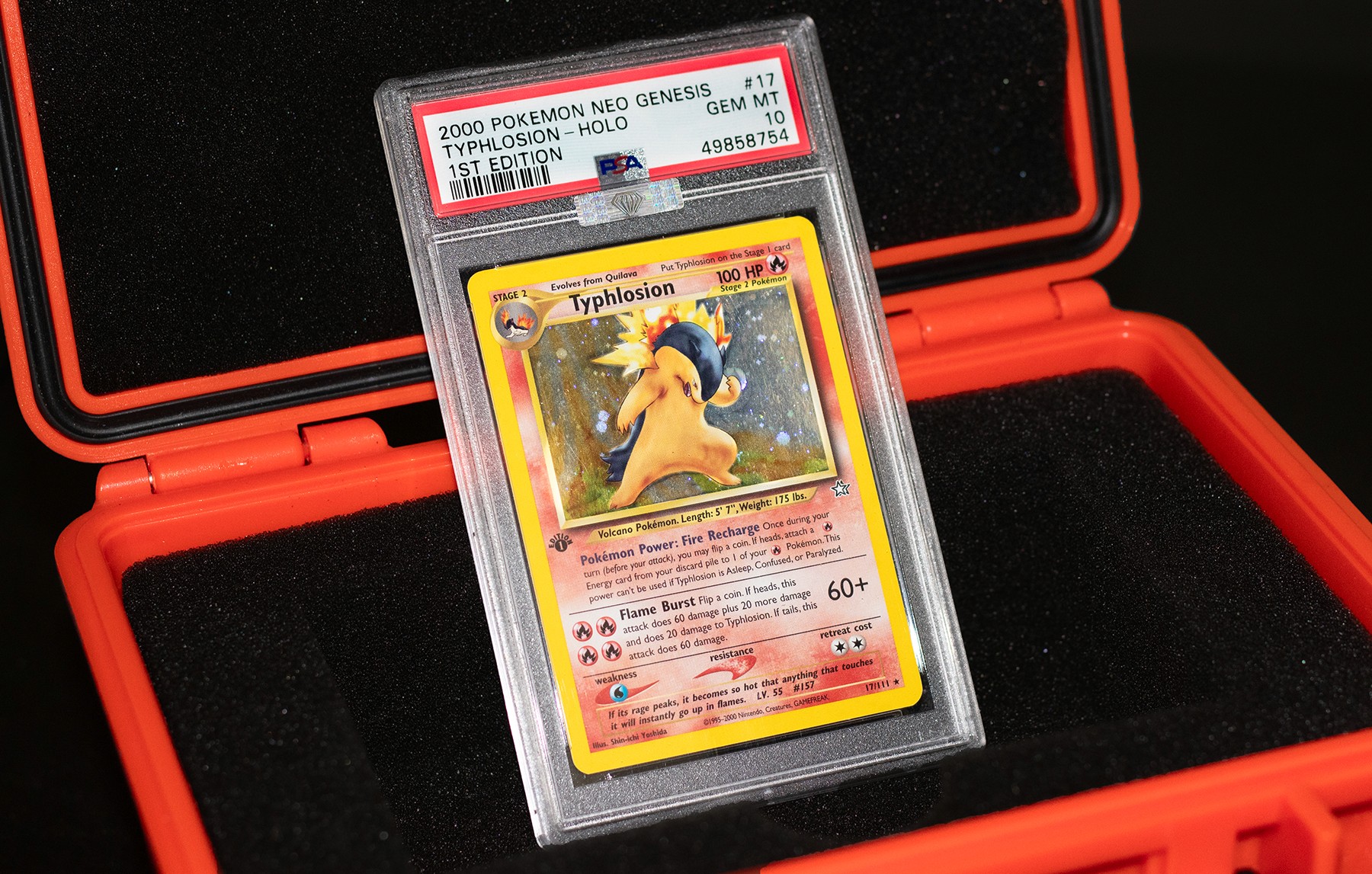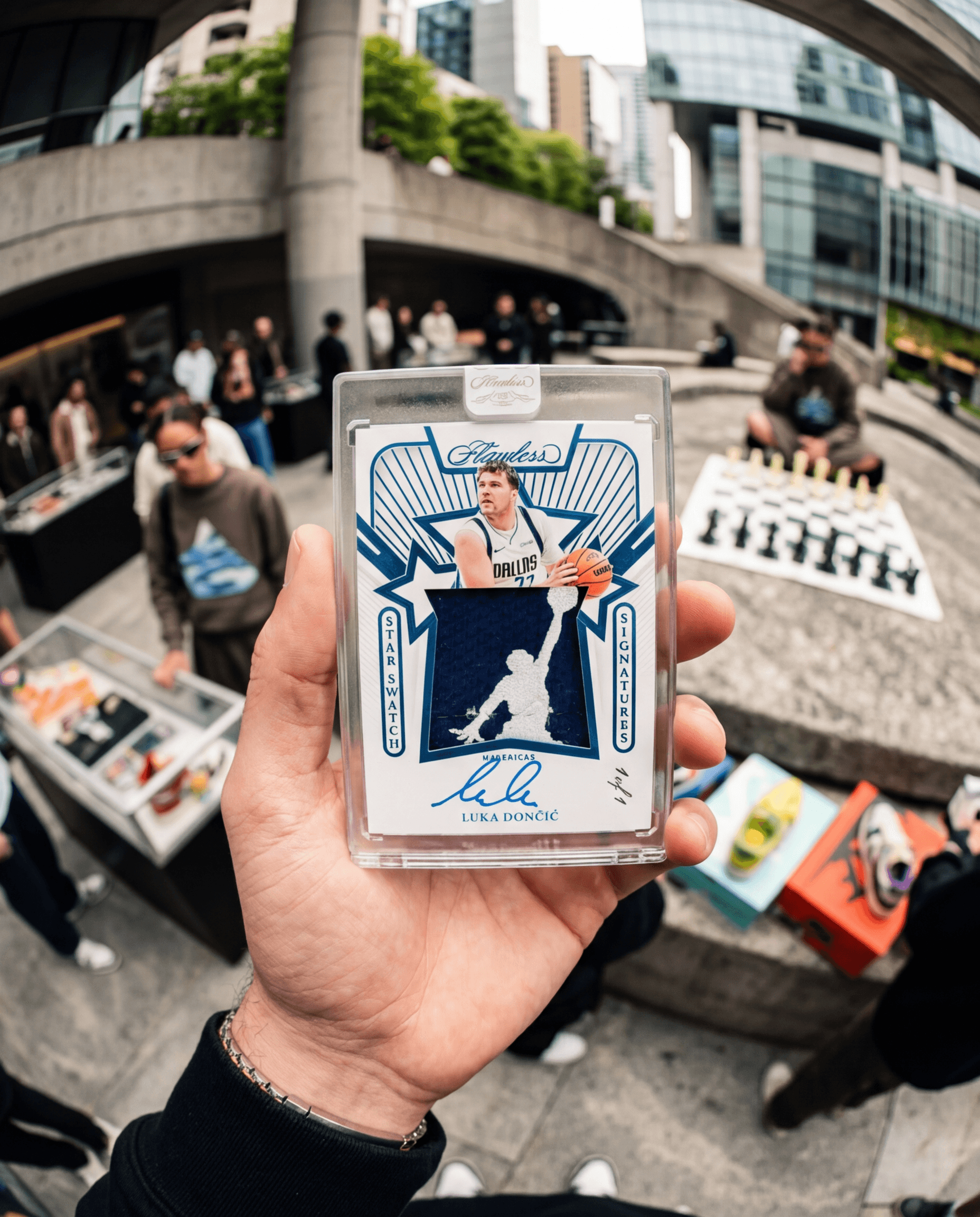
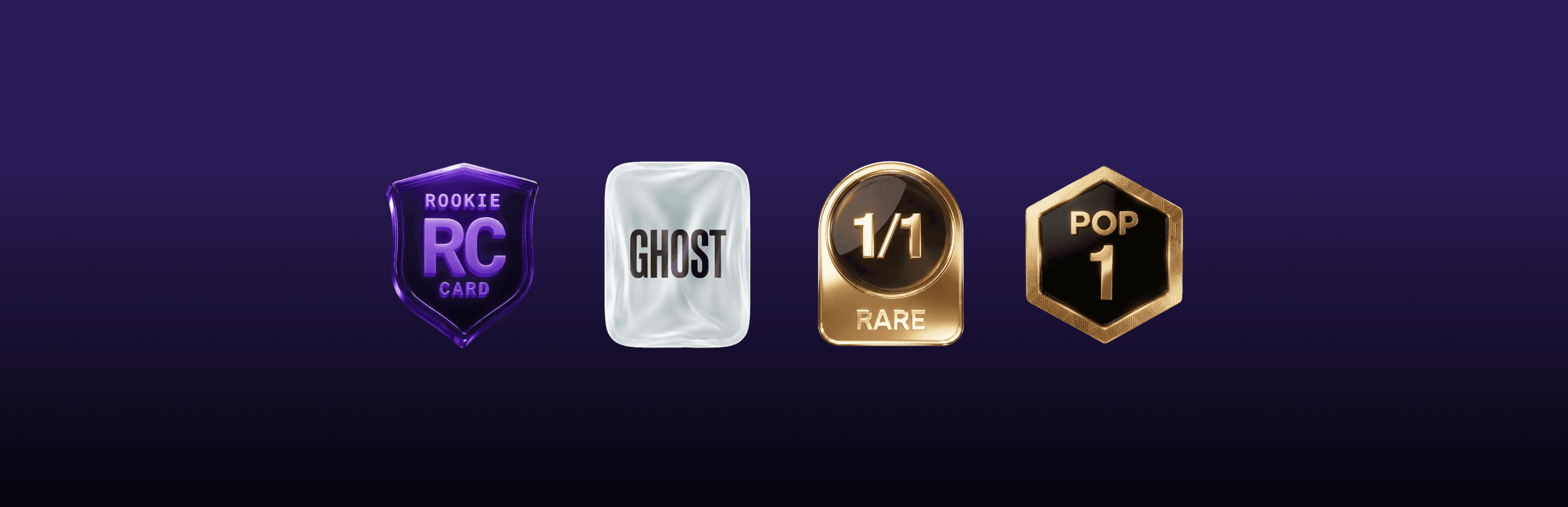
Find the rarest cards in Auctions quickly with our new Badges! Available now on the Alt app.
Badges Are Live in the Alt App
The best part of scrolling our sports card marketplace is finding the card no one else noticed. Now it's easier. Badges are live in the Alt mobile app — at-a-glance icons that tell you what makes a card rare right from the gallery, before you even tap in.
If you've ever pinch-zoomed a thumbnail trying to figure out if a card is a 1/1, a Pop 1, or a true rookie — Badges are for you.
What Badges show you
Each Badge surfaces a specific rarity signal pulled from Alt's data. You'll see them stacked on the listing image and broken out next to the title.
🟪 Rookie Card (RC)
Marks the card as an officially recognized rookie — the first issue of a player. The Badge most collectors are scanning for when they shop for rookie cards online.
👻 Ghost
A Ghost Badge means the card has zero sales on record. No public sales, no recent transactions — you're looking at something the market hasn't seen yet.
🥇 1/1 Rare
A true one-of-one. Only one of these exists, anywhere. If you see this Badge, you're looking at the only copy in the world.
🏅 Pop 1
Only one card has ever been graded at this exact grade by this exact grader. Pop 1 is the closest thing to a 1/1 that the graded card world has — and it's a key signal when you buy PSA graded cards or BGS cards on Alt.
🏅 Serial Numbered
Any cards that have low serial numbers and are extremely rare.
Why this matters
Rarity is the whole game. But on every other marketplace, you have to click into a listing, read the description, cross-check pop reports, and squint at scans before you know what you're looking at. Badges put that information on the surface — so you can scroll faster, spot the right cards sooner, and bid with confidence.
Where do Badges appear?
Anywhere a card lives in the Alt app: live auctions, fixed price listings, search results, and the detail view. If a card qualifies for a Badge, you'll see it — no setting to flip, no filter to apply.
How to see Badges
1️⃣ Update your Alt app. Badges are live on the latest version of iOS and Android.
2️⃣ Open any auction or marketplace gallery. Browse like you normally would.
3️⃣ Look for the icons. Badges sit on the listing image and next to the card title — tap any card to see them broken out.
Open the Alt app and check out Badges today. If you spot something the market hasn't — that's the point!